

1. Create your account
- Open dash.joinmarkt.com and register.
- Verify your email if prompted.
- Complete onboarding and create your first store (subdomain).
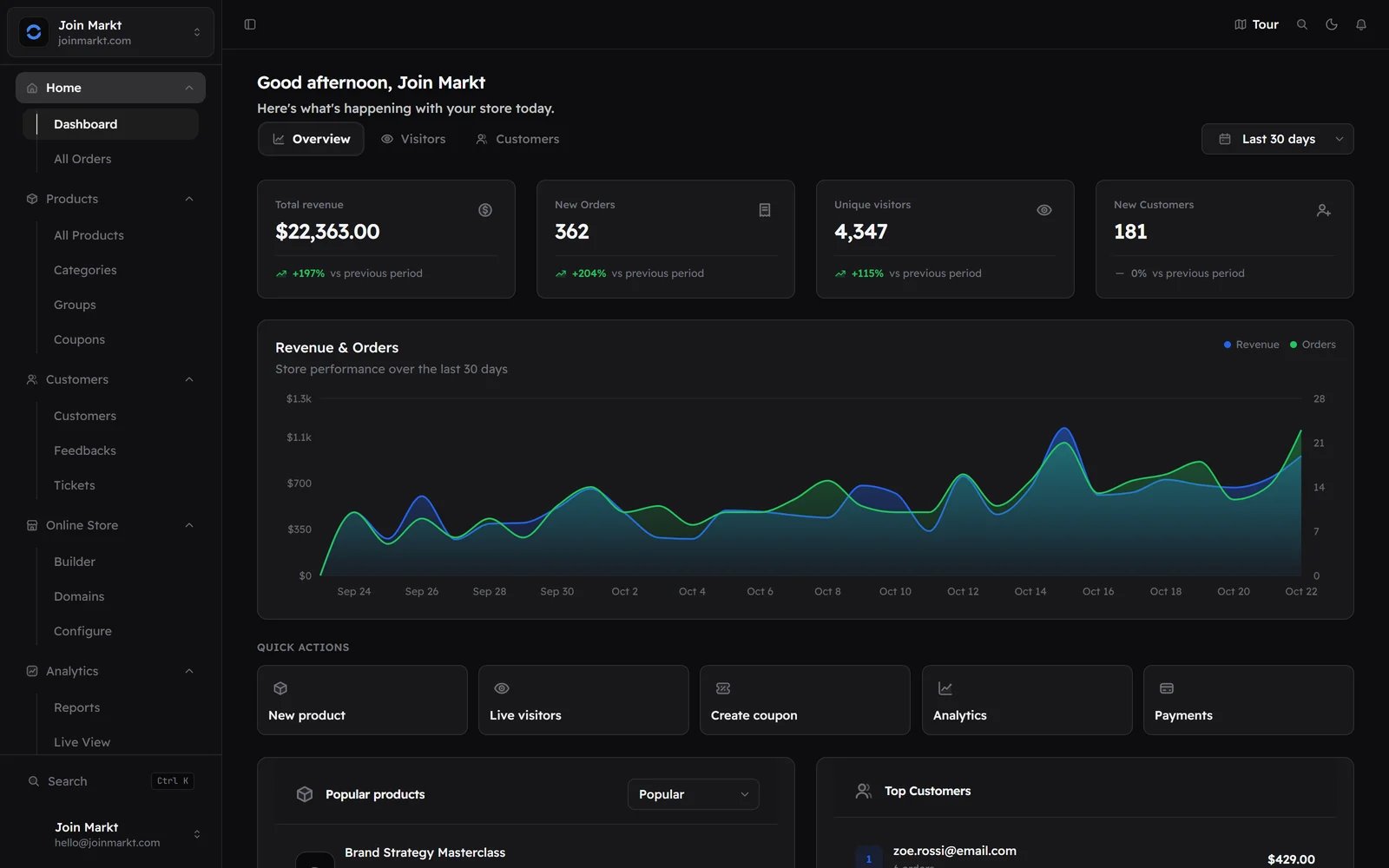
Vendor dashboard
2. Add a product
- In the dashboard, go to Products → New product.
- Set name, price, and delivery (license keys, file, or custom).
- Publish the product so it appears on the storefront.
3. Connect a payment method
Go to Payment methods and connect at least one gateway sellers commonly use:- Stripe — cards
- NOWPayments / Cryptomus — crypto (platform keys may be provided by Join Markt ops)
- PayPal / other — as enabled for your plan
4. Place a test purchase
- Open your storefront subdomain.
- Add the product to cart and check out.
- Confirm the order appears under Orders in the dashboard.