

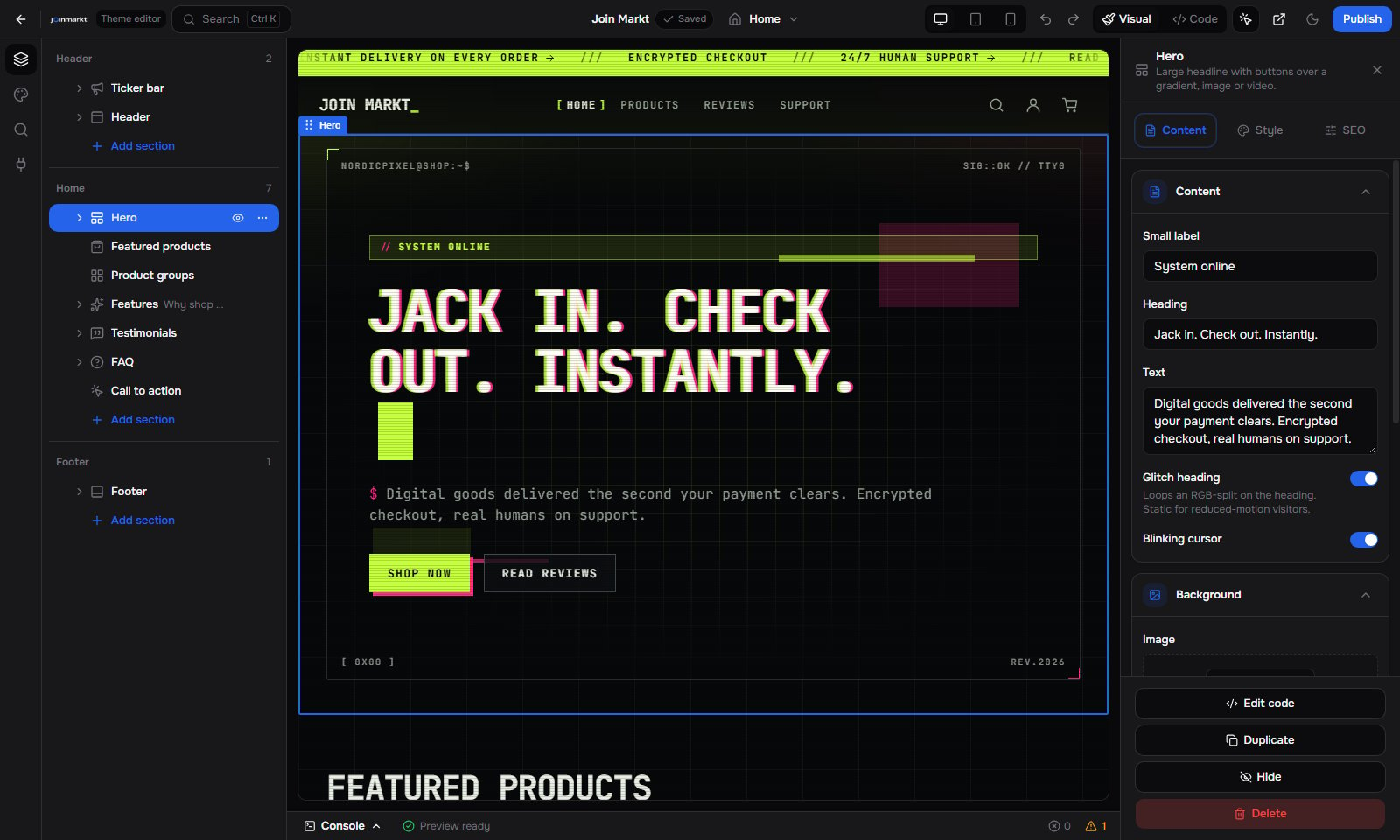
Visual builder
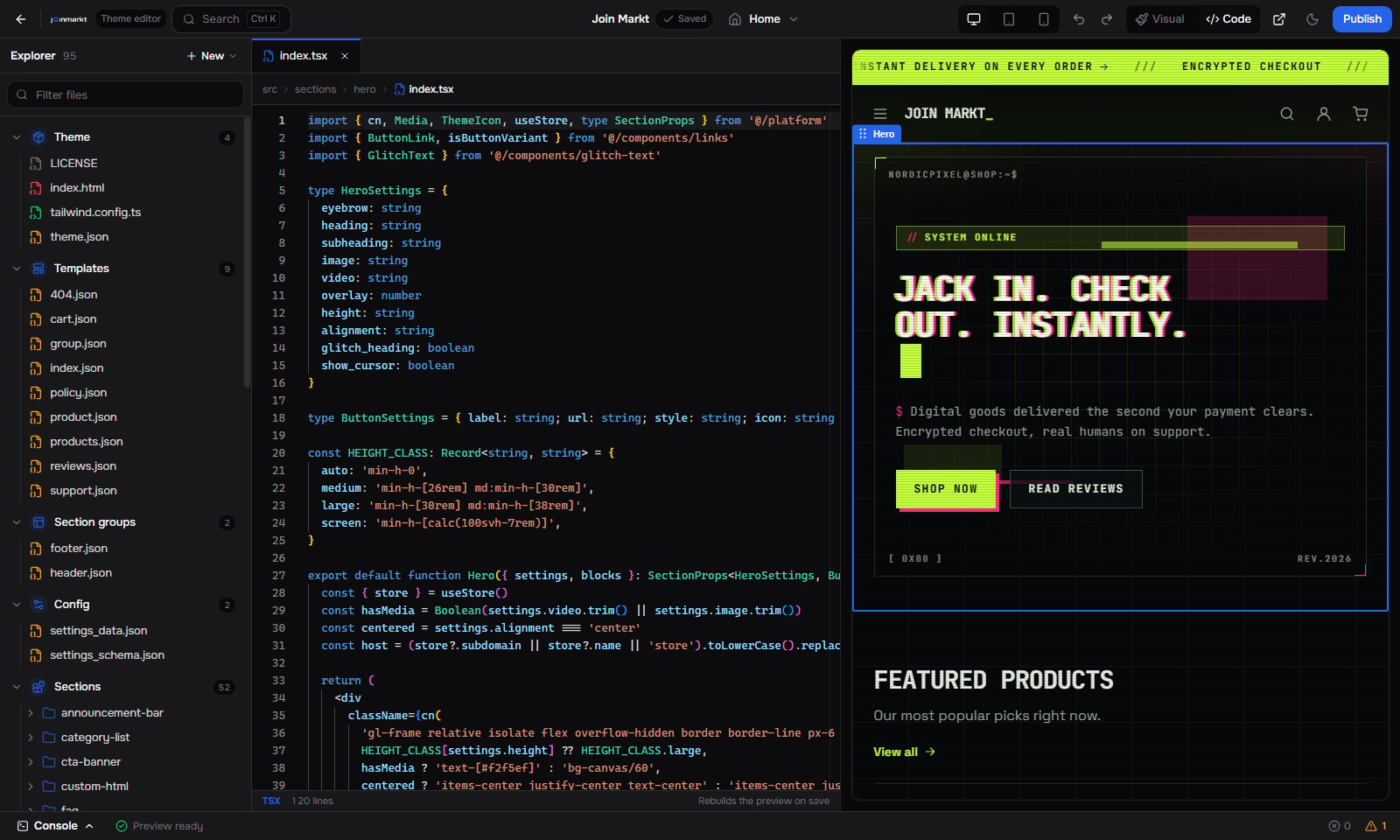
Code builder
How it fits together
1
Pick a theme
Start from a catalog theme in the builder. The theme is copied into your store, so every file is yours to change.
2
Edit
Use Visual to add, reorder and configure sections, or Code to change any file. Both editors write the same files.
3
Preview
The preview is a real build of your theme on your store data, not a screenshot. It updates as you edit.
4
Publish
Publish builds the theme and puts it live on your subdomain and custom domain.
One pipeline, three ways to write a section
theme.json sets runtime to react, liquid, or vite. That only changes how a section’s design file is written. Settings, blocks, the visual editor, preview and publish work the same for all three.
In this section
The catalog lists every theme the hub can install.Theme catalog
Name, runtime, tone, and price for every theme you can start from.
Create a custom theme
Copy a catalog theme or import a ZIP, then edit and publish.
Theme structure
The files in a theme and what each one does.
Runtimes
The same section written in React, Liquid and Vite.
Section schema
Every setting type, presets, limits and templates.
Blocks and nesting
Repeatable items and one-level nested blocks.
Pages
Built-in templates and custom pages.
Using the builder
Visual and Code editing.
Publish and updates
Publishing, warnings and theme updates.
Troubleshooting
Changes not showing, JSON errors, platform files.